Fuelled App User Instructions
A quick guide to help users understand how to use the Home, Statistics, and Settings screens.
Home
The Home page shows the sliders for each tank and allows you to update them. You can update as many times as you want in a day; however, the statistics capture only the last update for that day.
- Adjust each slider to match how you are feeling.
- Use the update action as needed during the day.
- The final value for each day is what gets used for reporting.
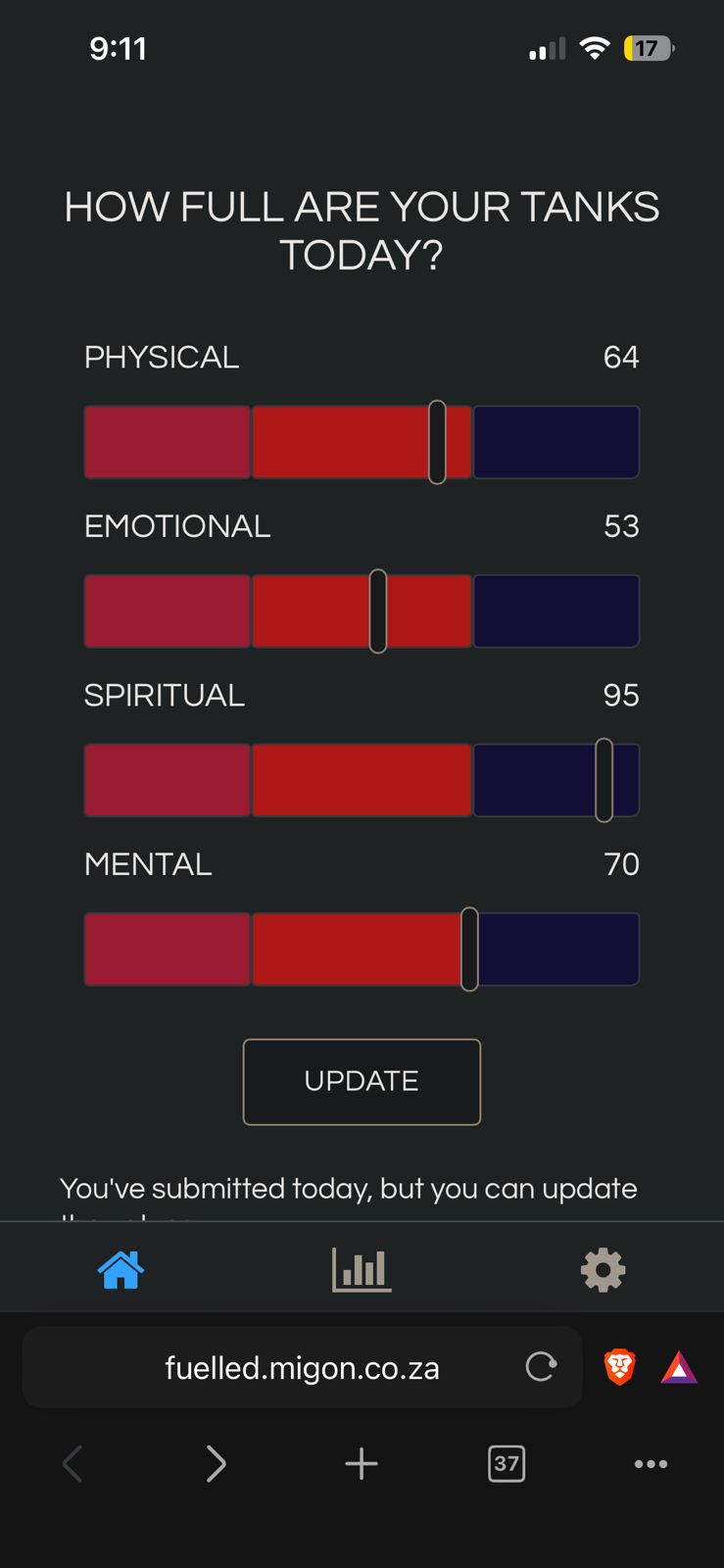
Image file: home.jpeg
Statistics
This page shows your statistics for the last 90 days. It displays how many days you have tracked your tanks, your overall averages, and graphs of all entries.
Example message shown in the app: "You have tracked your tanks on 1 days."
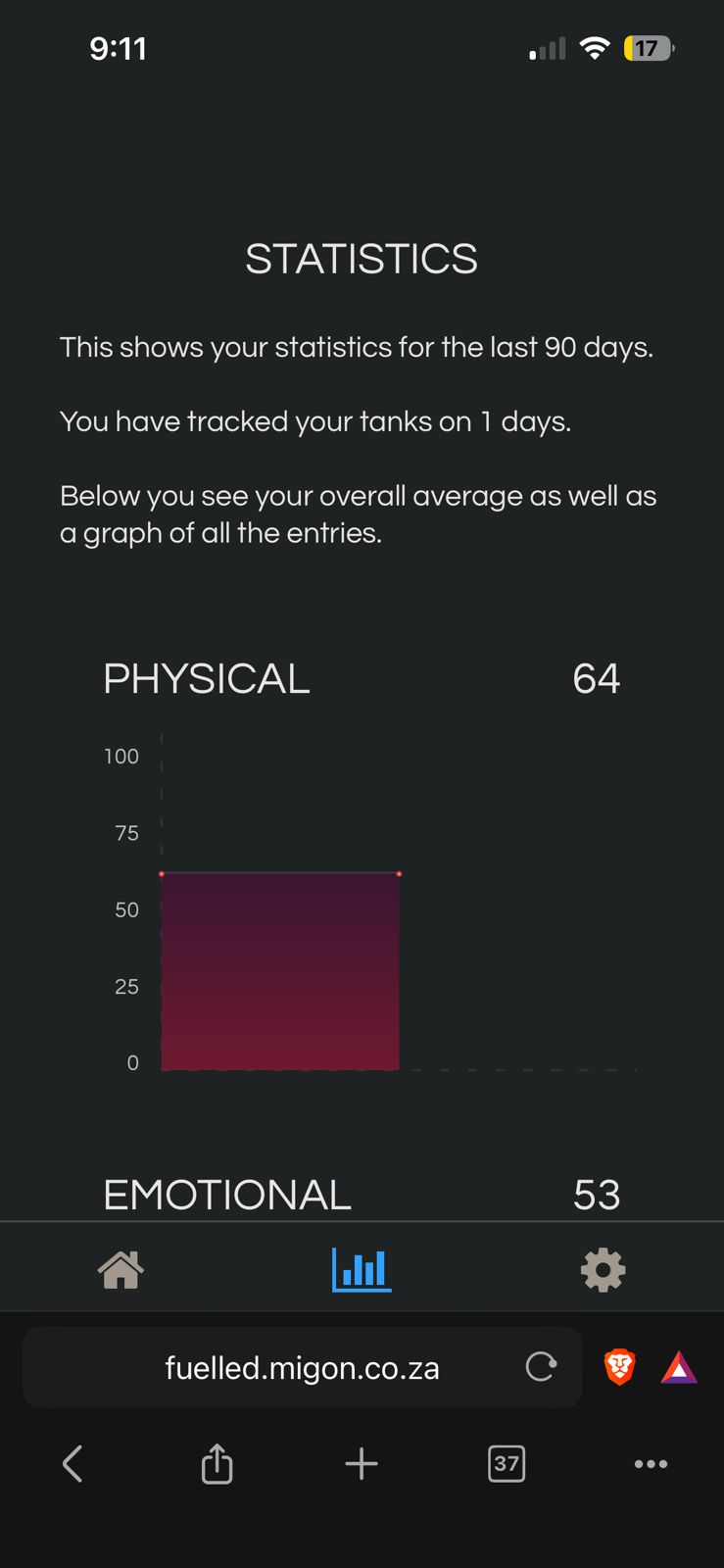
Image file: stats.jpeg
Settings
The Settings screen was designed for the mobile app. On web, reminder functionality may not work as expected.
Please create your own reminder on your phone/device.
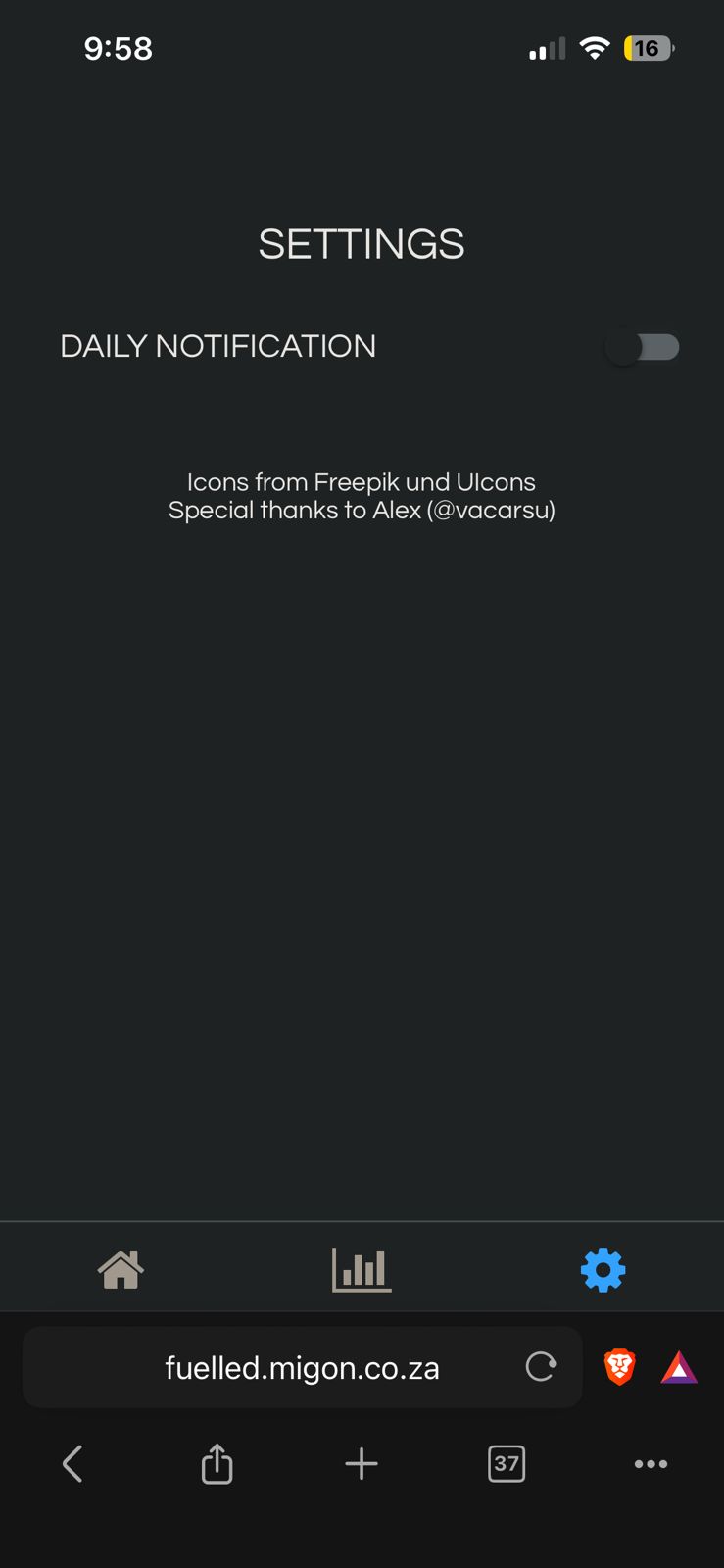
Image file: settings.jpeg
Add a Web App Shortcut (Android & iOS)
Use these steps to place Fuelled on your home screen for quick access.
Android (Chrome)
- Open https://fuelled.migon.co.za in Chrome.
- Tap the 3-dot menu (top-right).
- Tap Add to Home screen or Install app.
- Confirm the name and tap Add.
iPhone / iPad (Safari - NB: Apple restricts this capability to Safari only)
- Open https://fuelled.migon.co.za in Safari.
- Tap the Share icon.
- Select Add to Home Screen.
- Confirm the name and tap Add.
Creating a shortcut does not reset your saved data when using the same browser and device profile.